
LalaJi Connect for Android
A salesman order booking app that works where the network doesn't
LalaJi Connect turns a salesman's phone into the order book, the receipt book and the delivery register. It is part of LalaJi ERP, not a separate product synced once a night. An order booked in a kirana shop at 11 AM is in your office order list at 11 AM.
Each person logs in with their own mobile number and sees only what their role allows. When there is no signal, the app keeps working and syncs once it finds a connection.
The app needs a LalaJi ERP account. Your plan decides how many people can use it.
What your field team does with it
Six jobs that used to happen on paper, on WhatsApp, or in a phone call to the office.
Book orders on the beat
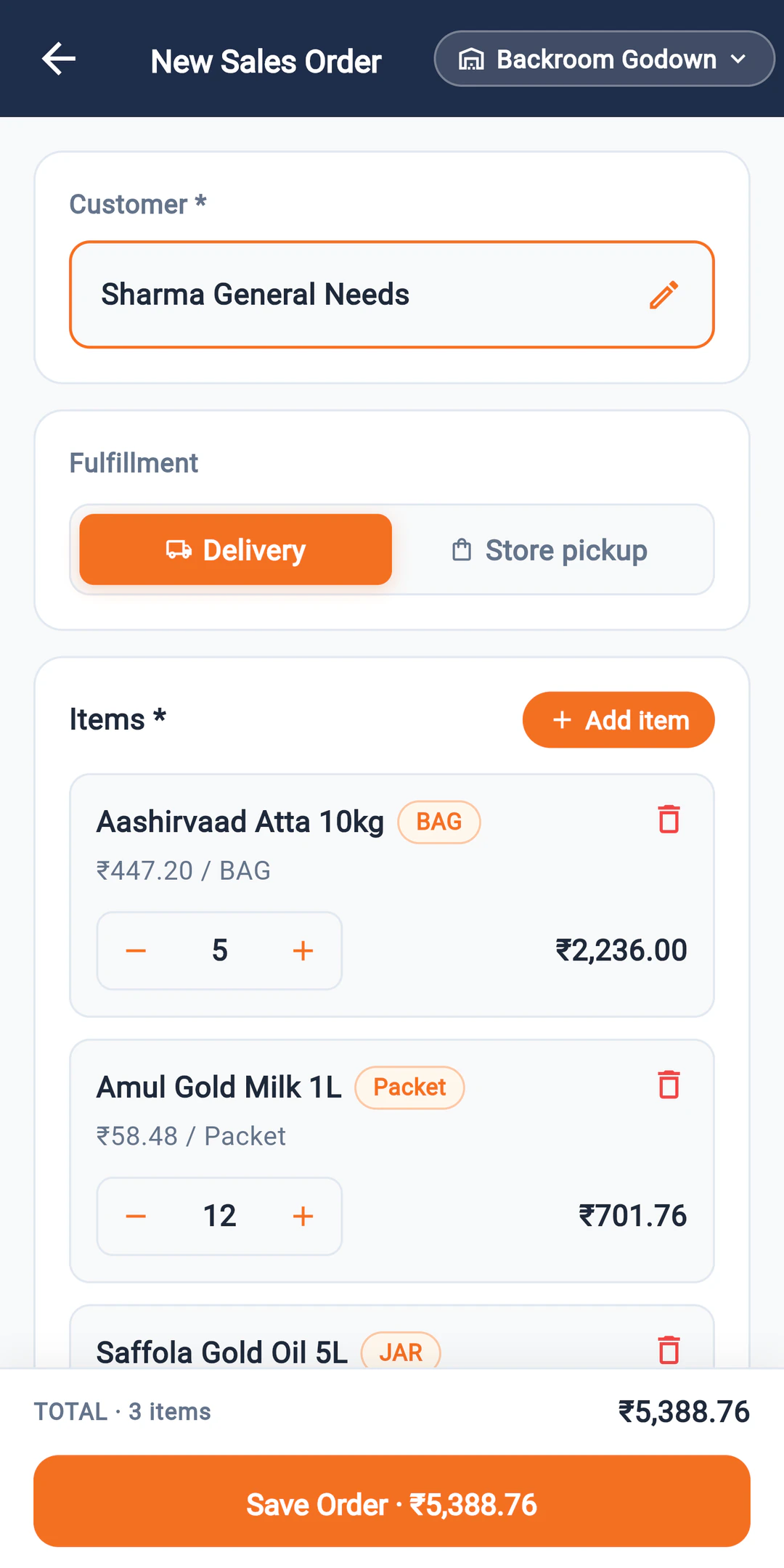
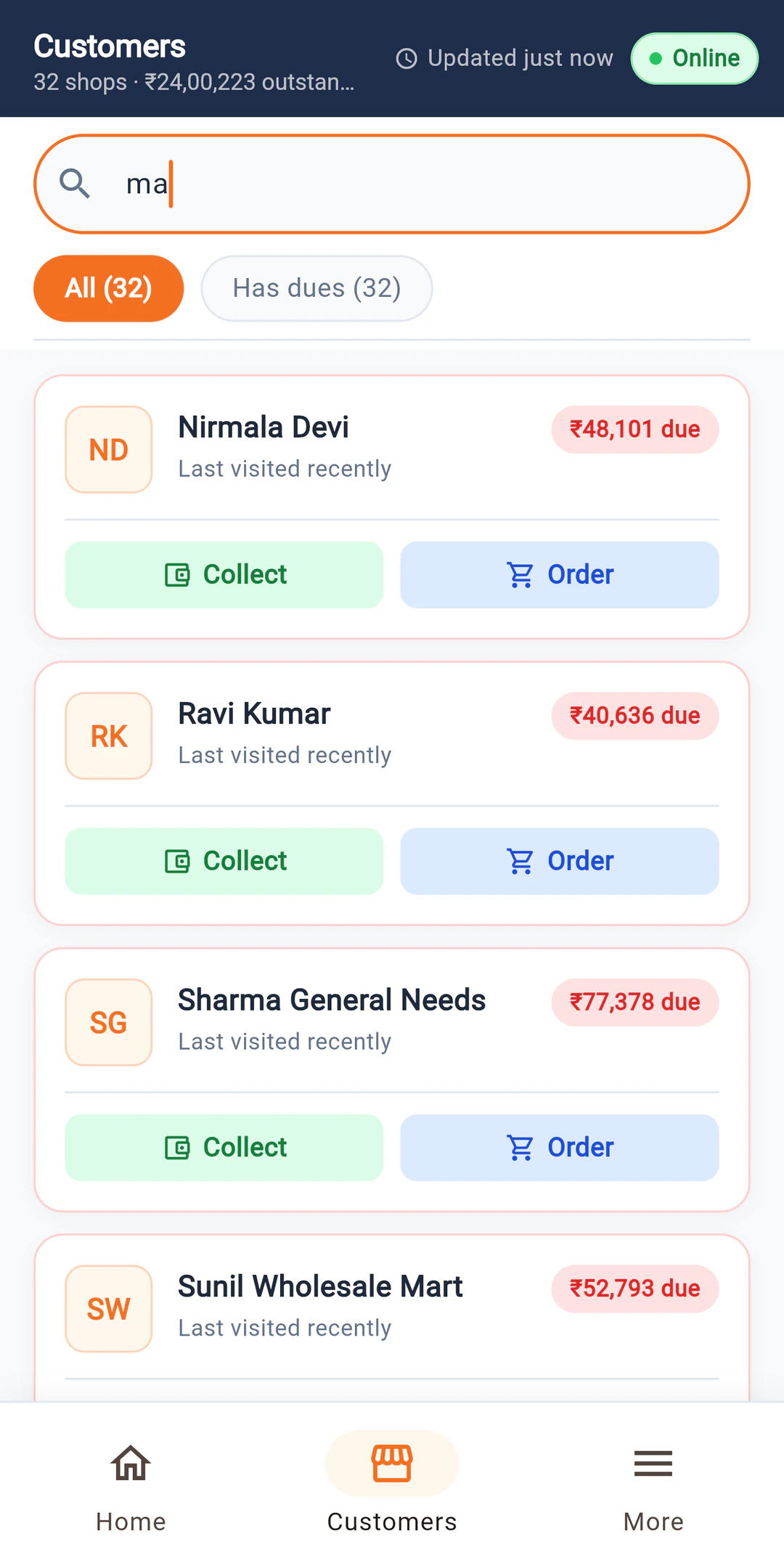
Pick the party, see what they already owe, and add items at the rate from that party's price list. The order lands in the office list straight away.
Collect payments
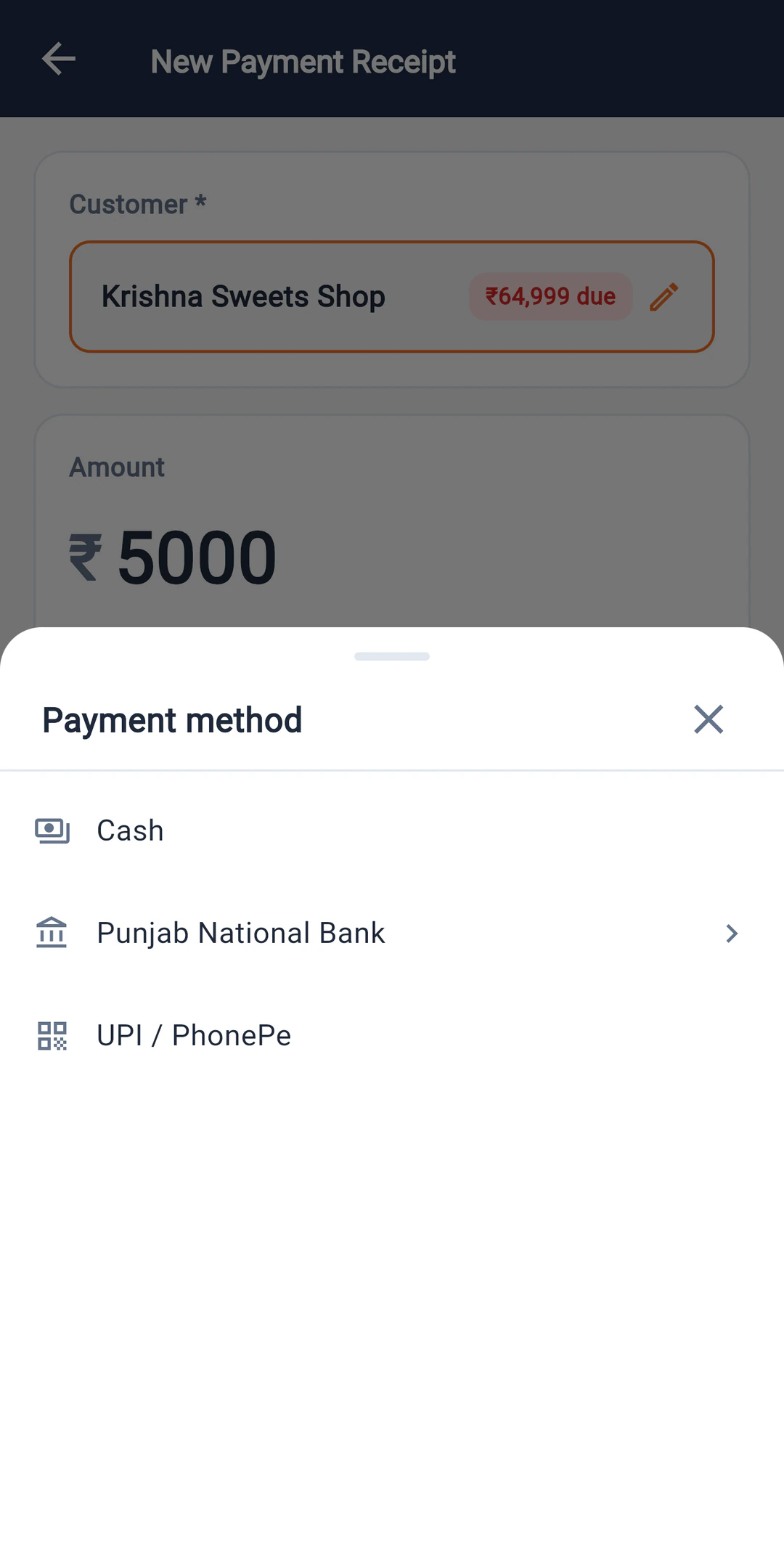
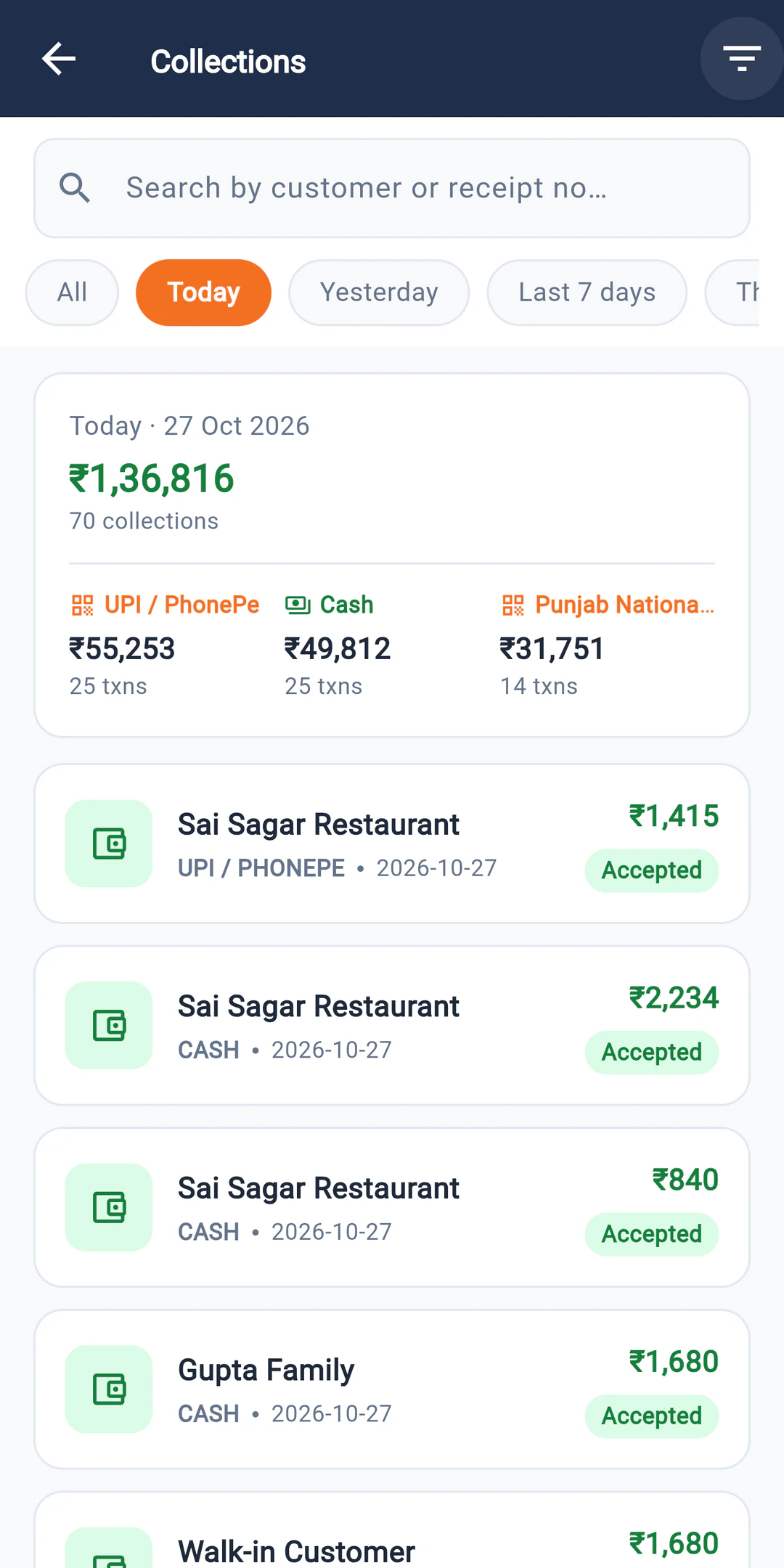
Record cash, UPI or cheque against the party. The payment is tagged to the salesman who took it, so the evening count has nothing to argue about.
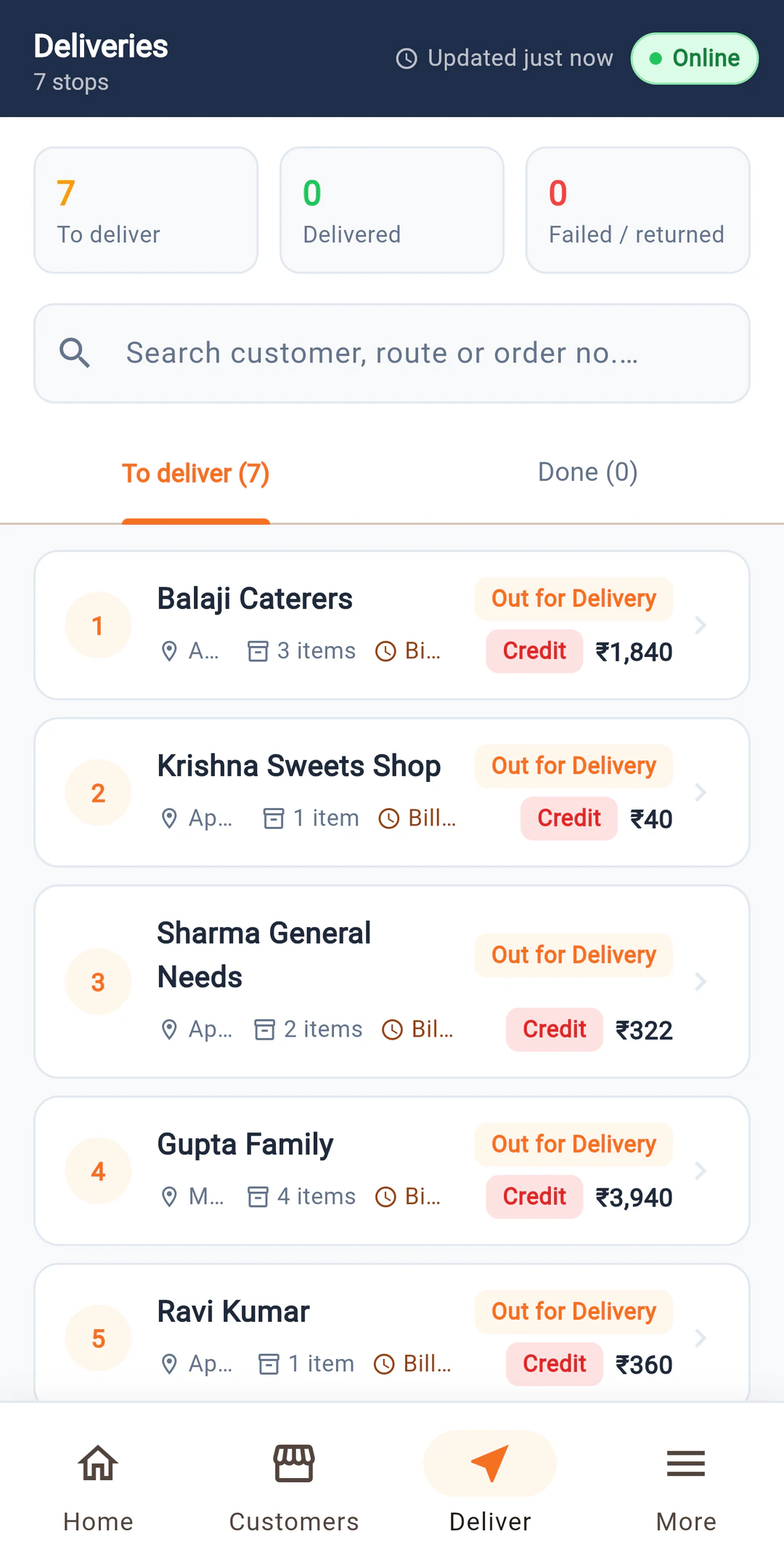
Run deliveries
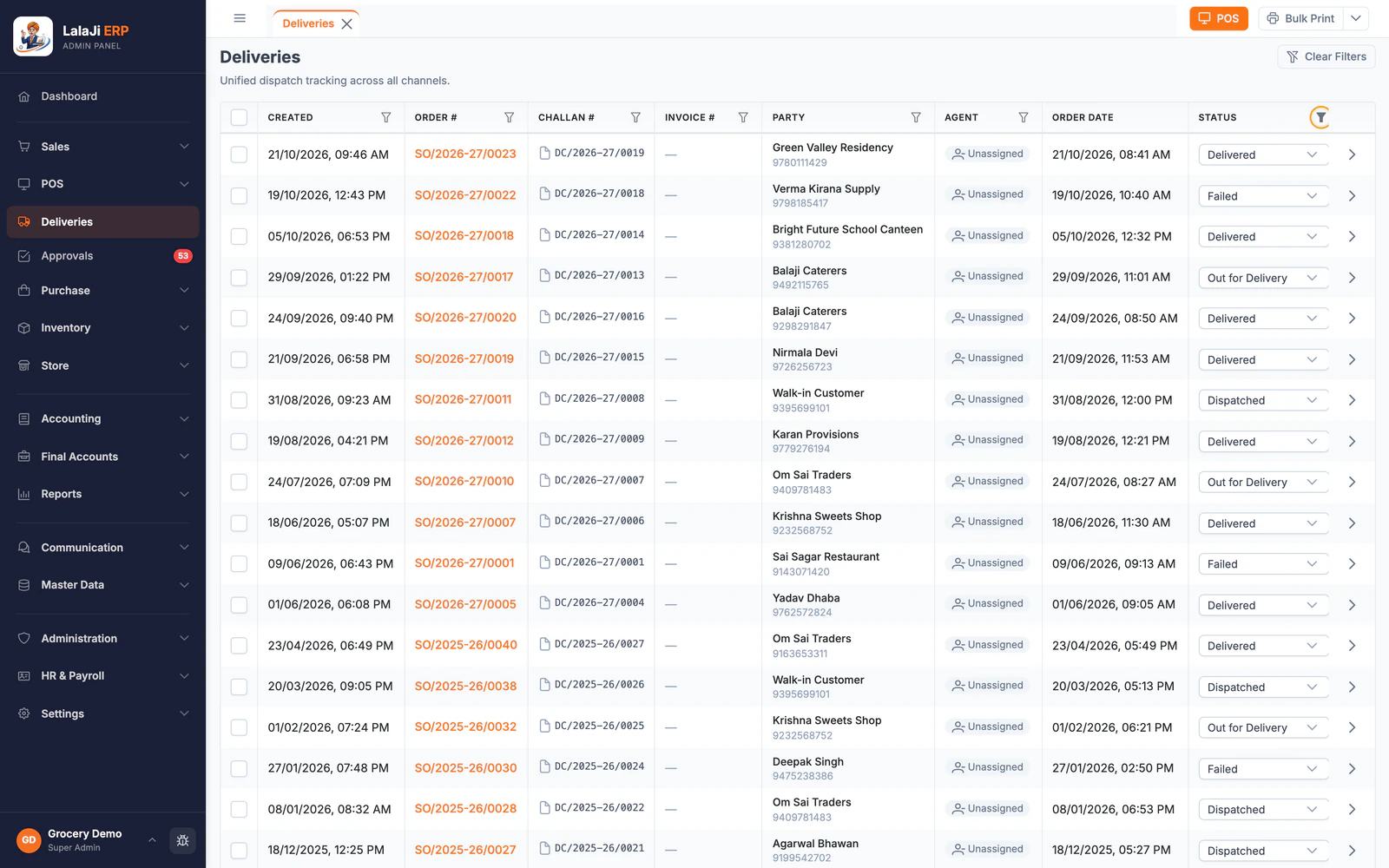
Delivery staff see their stops and mark each drop delivered or failed. OTP confirmation from the customer at the door is launching next.
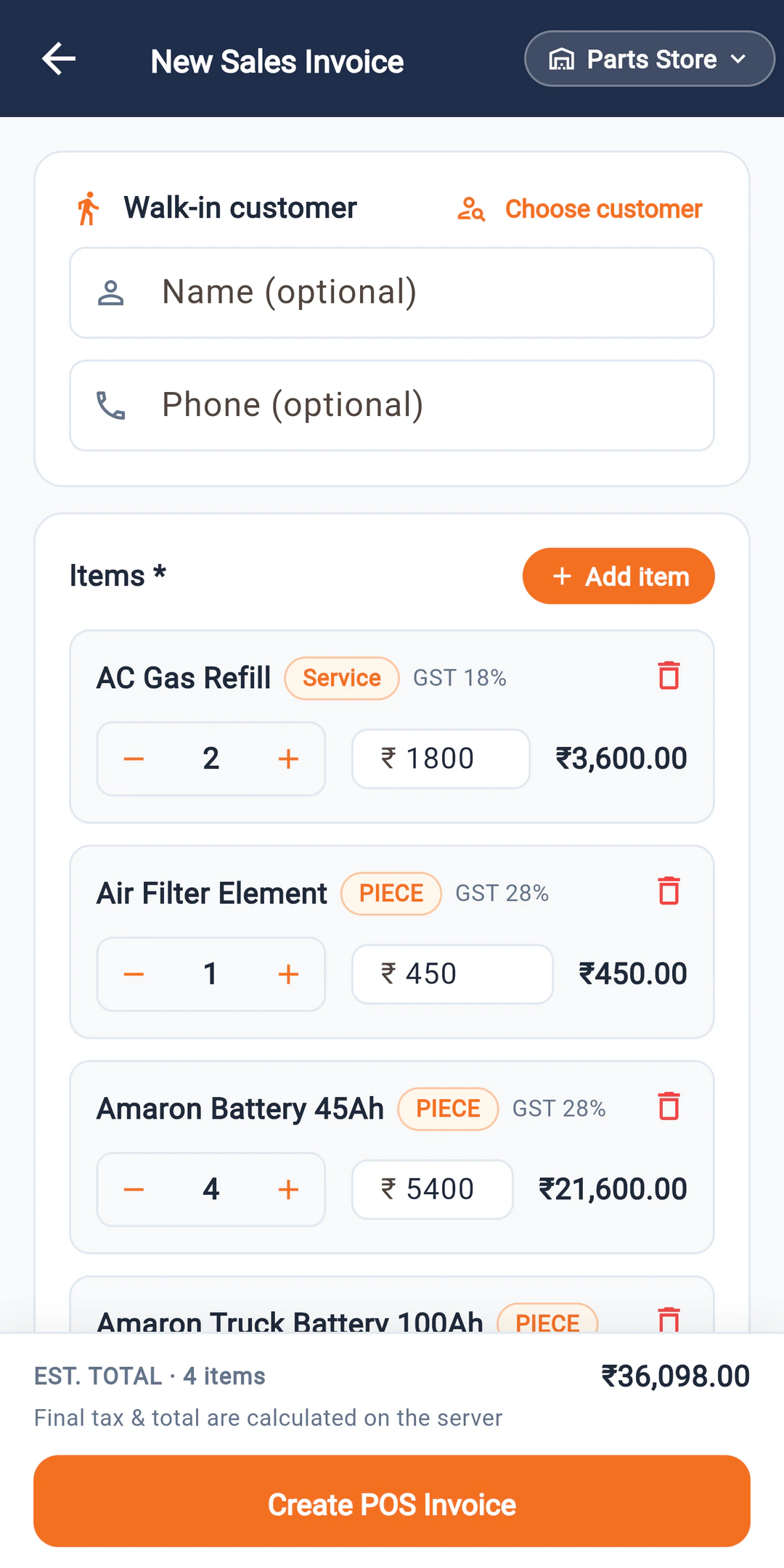
Bill walk-in customers
A walk-in bill on the phone for counter or van sales, connected to the same stock and party ledgers.
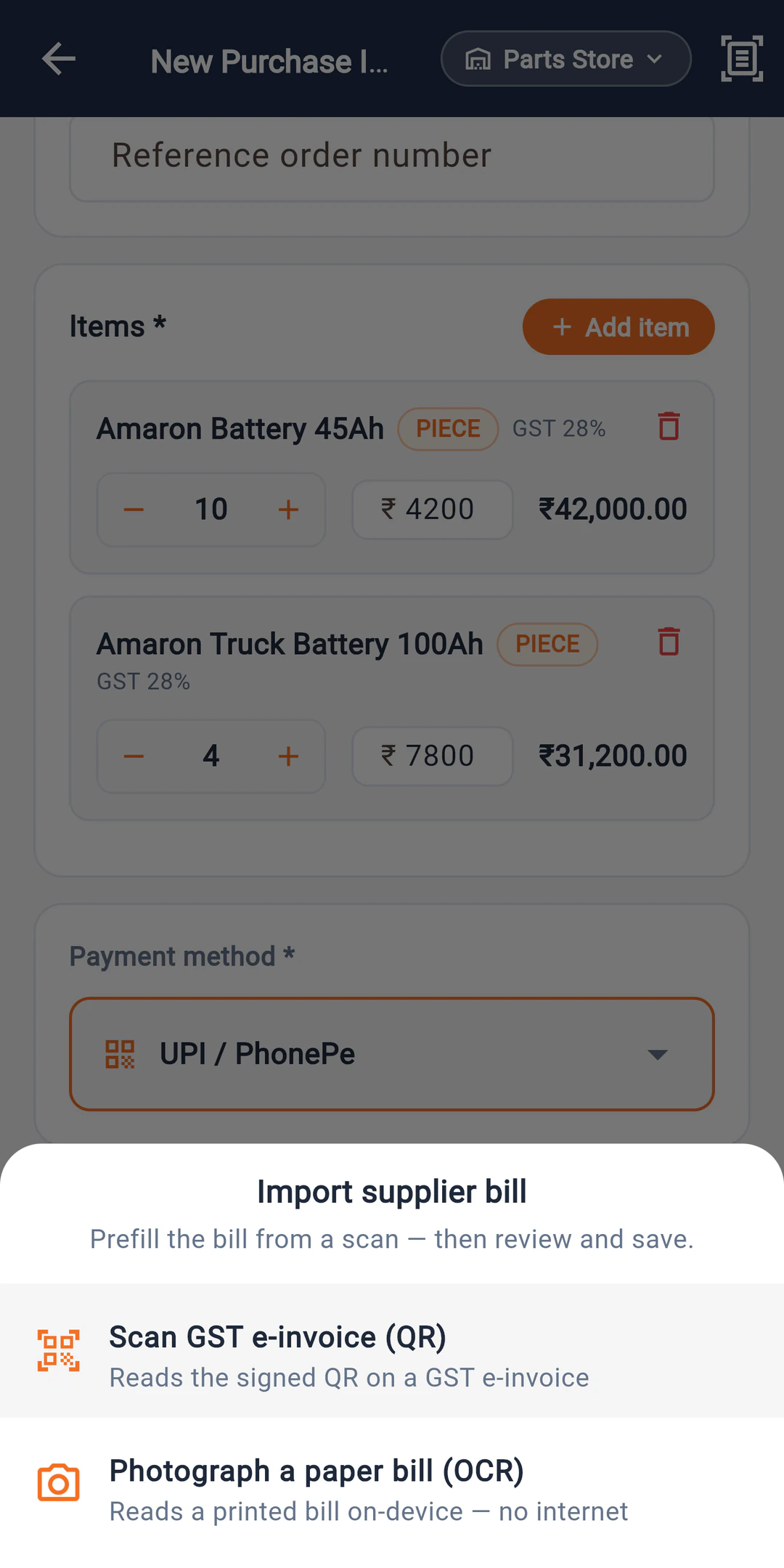
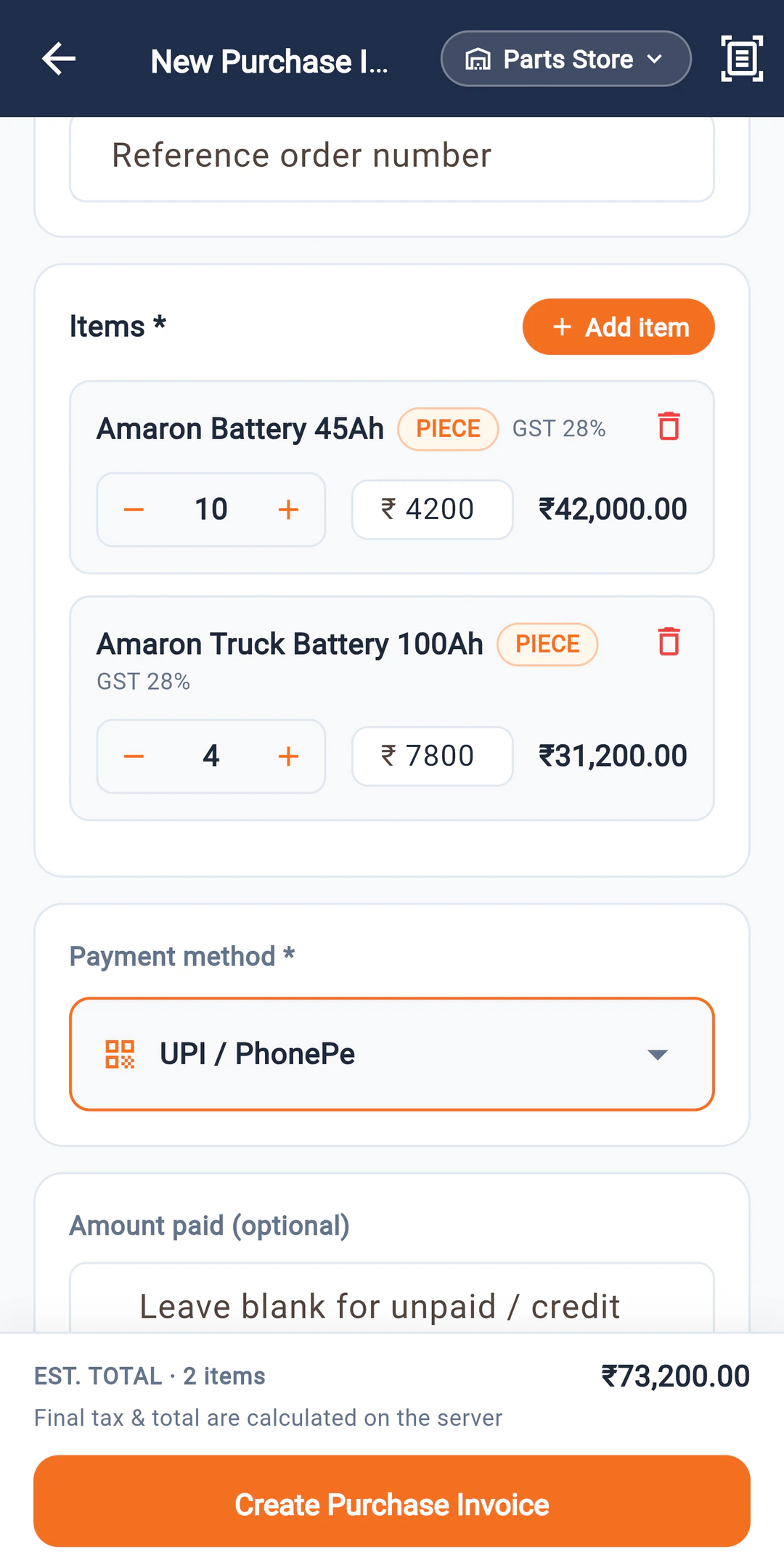
Enter supplier bills
Scan the QR on a supplier's GST e-invoice, or photograph a printed bill, and the app fills in the bill on the phone. Check the items and save.
Close the day
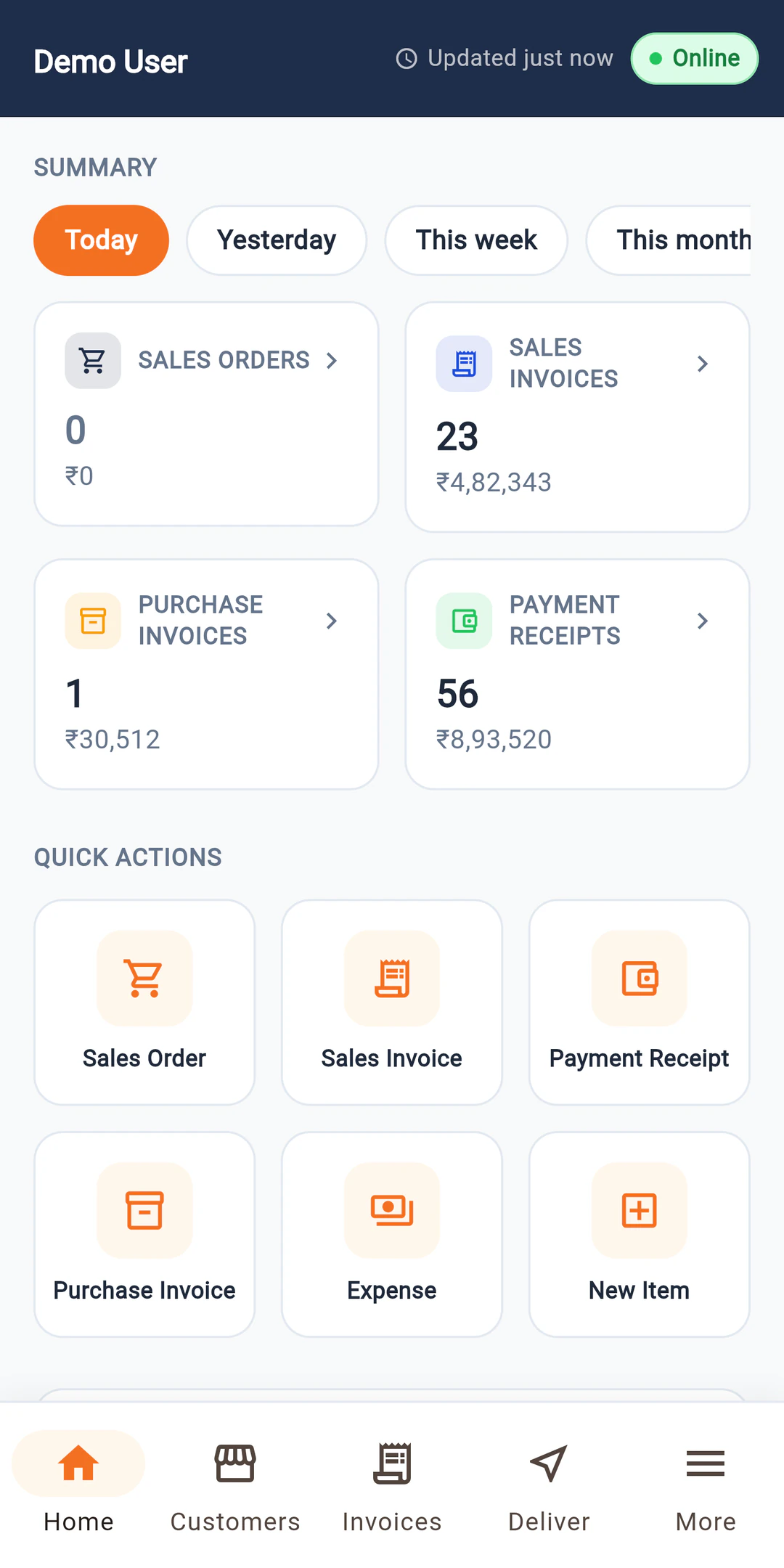
The home screen totals today's invoices, receipts and orders, and the office can download a day-end report for each field user as a PDF.
What happens when there is no signal
Plenty of beats run through markets with one bar of network, or none. An app that needs a live connection gets abandoned quickly, and the orders go back to WhatsApp.
LalaJi Connect keeps a copy of the salesman's parties and items on the phone. Orders, collections and deliveries recorded offline wait in a queue on the device and go to the server, in order, as soon as the phone is back online. The salesman does not have to remember to press anything.
What it cannot do offline is show stock that changed in the godown after the last sync. For that, the phone needs to connect once.
What you see in the office
The app is the field end of LalaJi ERP, so nothing needs importing or reconciling. Everything the team records shows up in the same ledgers, stock reports and day-end reports you already use.
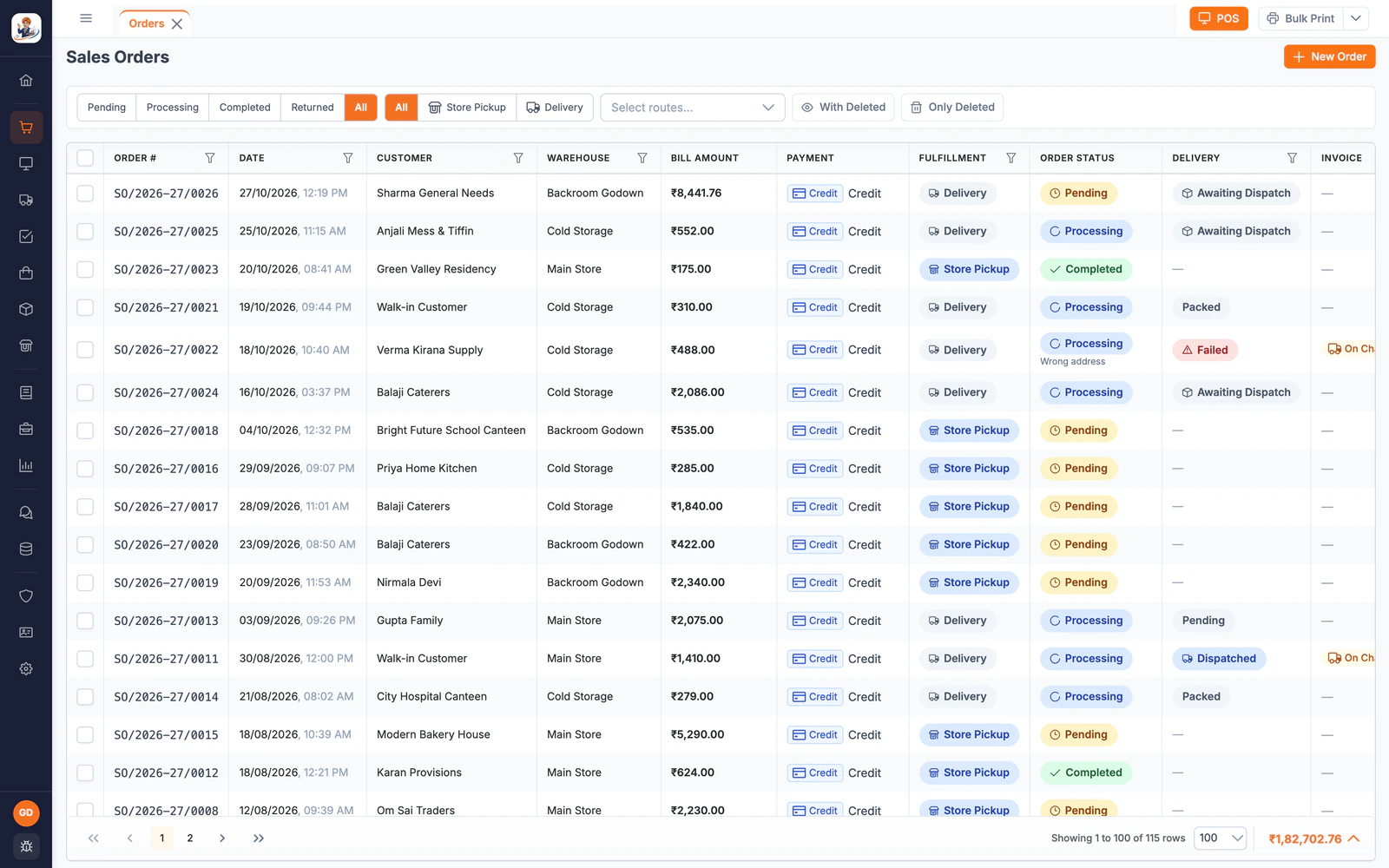
- Orders from every salesman as they are booked, ready to bill and dispatch
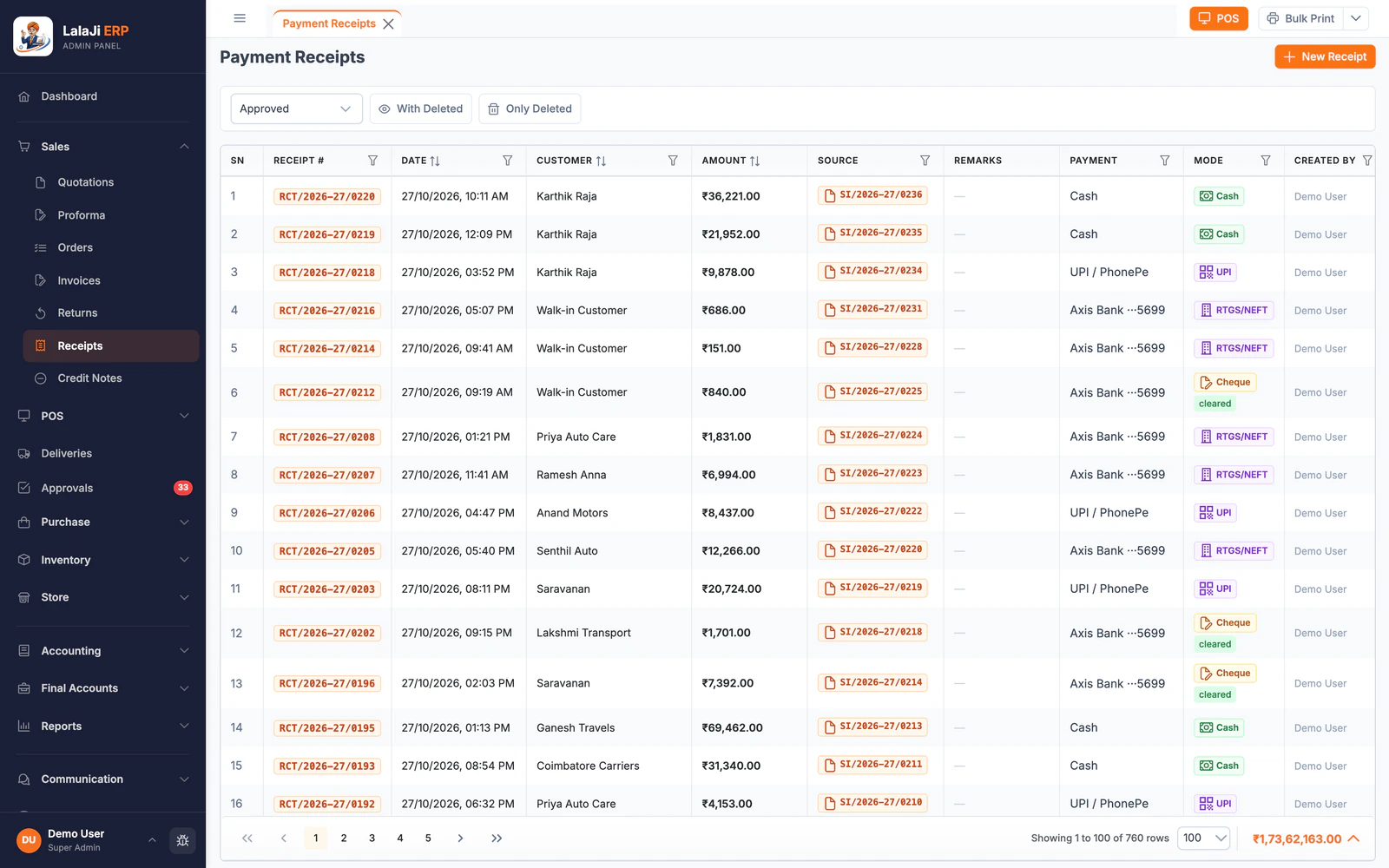
- Collections by salesman and by party, with the payment mode recorded
- Pending, delivered and failed deliveries for each route
- A day-end report per field user that you can download as a PDF
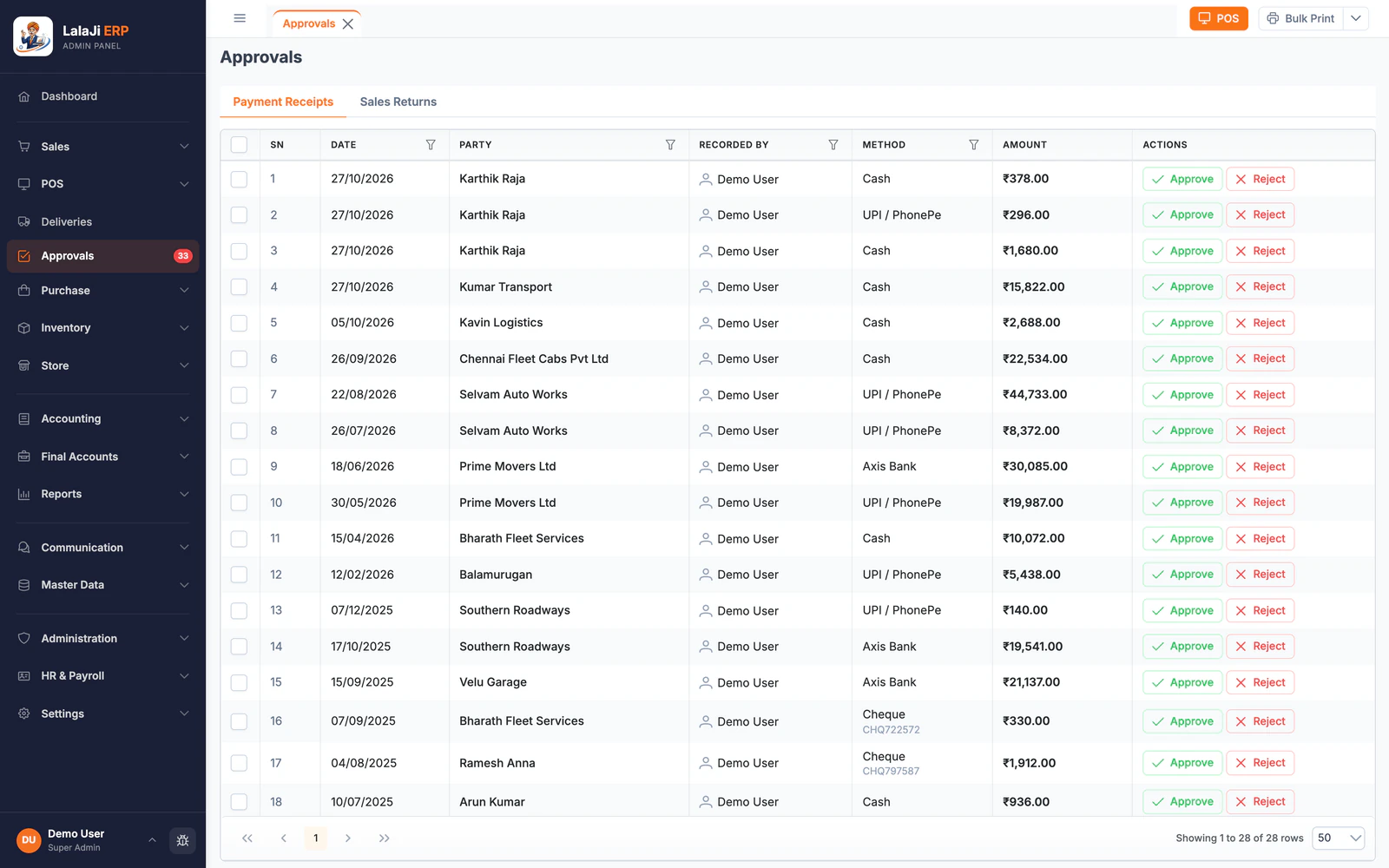
- Approval before a payment receipt or sales return hits the books, if you turn it on
FAQ
Questions about the field app
Is there an iPhone version?
Not at the moment. LalaJi Connect is available for Android phones on Google Play.
How many salesmen can use it?
Each plan includes a number of Connect app users, shown on the pricing page. You can add more users as an add-on.
Do salesmen see all my parties and reports?
No. Each person logs in with their own mobile number and sees only what their role allows. You set the roles in LalaJi ERP.
Does it work without internet?
Yes. Orders, collections and deliveries are saved on the phone and synced automatically when the connection returns.
Do I need a separate subscription for the app?
No. The app is part of your LalaJi ERP plan. There is nothing extra to buy unless you need more users than your plan includes.
See the app on your own beat
Book a demo and we will load a few of your parties and items, so you can watch an order go from a salesman's phone to your office in real time.
Call +91 81940 09009 · Mon–Fri, 9 AM – 6 PM IST